ADVERTISEMENT

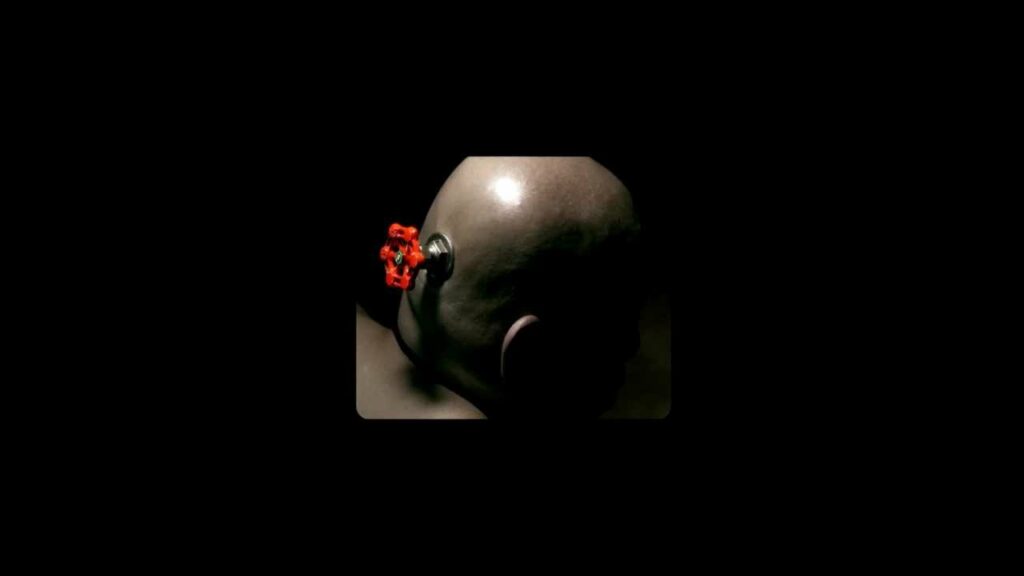
When you launch the Steam client for your games such as Dota 2 you will first encounter a Intro video such as the one from Value below followed by the game’s intro like Dota 2 and you have to hit the ESC key to skip the videos every time you launch the game. We will go through how to disable the intros.
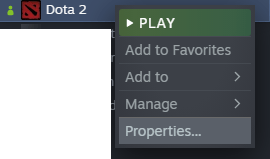
Step 1: Go to the Steam Library and right-click on the game followed by clicking Properties:
Step 2: Paste these 2 commands to the Launch Options section just like below and close the window:
-fastlaunch -novid
Now try it out to see if the game launch directly to the Dashboard and that you are no longer seeing the intro videos. If you want to see the intro videos again, just remove the commands from Launch Options in reverse from the above steps.


